Jauzi edukira

KDE Linux

KDEk Linux®en oinarrituta eraiki duen sistema eragilea

Plasma

Lagundu KDEri hurrengo gauza handia eraikitzen!

KDE Linux KDE eraikitzen ari den, erabiltzailea ardatz duen, sorburu irekiko sistema eragile aske bat da. Teknologiarik aurreratuenak erabiliz, KDEk eskaintzeko duen guztiaren inplementaziorik onena biltzea helburu duena. Informazio gehiago proiektuaren wiki-orrian.

Segurua, mantentzen erraza, funtzionala, eta modernoa izateko diseinatuta, KDE Linux, etxeko erabilerarako, enpresako lanpostuetarako, erakunde publikoetarako, eros ditzakezun ordenagailuetan aurrez instalatzeko, eta gehiagorako aukerarik onena izango da.

…Noizbait! Oraindik ez gaude hor, eta helburu hori egi bihurtzeko zure laguntza behar dugu.

Nola lagundu dezakezu

KDE Linux proiektuan era askotan parte hartuz lagun dezakezu:

  • KDE Linux publiko zabalago batengana iristen lagundu, teknologia-kazetaria edo bestelako eragilea bazara bereziki. Proiektua zenbat eta jende gehiagok ezagutu, KDE Linuxek arrakasta izateko behar duen babesa jasotzeko orduan eta aukera handiagoa du.

  • Erabili KDE Linux eguneroko sistema gisa edo instalatu bigarren mailako makina batean, garatzailea edo erabiltzaile aurreratu ausarta bazara bereziki. Instalatzeko jarraibideak hitzez hitz jarraitu; instalazio-prozesuan akatsak eta dokumentazioan desadostasunak aurkitzea ere garrantzitsua da.

  • Probatu hain ohikoa ez den hardwarea, NVIDIA GPUak eta disko zurrun birakarietan delta eguneratze funtzio esperimentalaren erabilera bereziki. Hardware ez hain ohikoekin egindako beste proba batzuk ere eskertzen dira.

  • Eman akatsen berri: KDE Linuxi berari dagozkion arazoak — hasierako sistemaren konfigurazioa, osagaien arteko integrazioa, etab. — invent.kde.org gunean jakinarazi behar dira. KDE softwarearen arazoak — Flatpak gisa erabiltzean izandako esperientziari dagokiona bereziki — bugs.kde.org gunean jakinarazi behar dira.

  • KDE Linux garatzen lagundu, sistema eragileetan — batez ere aldaezinetan — interesa baduzu bereziki. Asko dago egiteko. Garatzaileekin berriketan aritzea eta bateratze eskaerak bidaltzea. Antzeko SE batean lanean ari bazara, kontatu zure esperientzia; oharrak alderatu eta konponbideetan elkarrekin lan egin dezakegu. Partekatutako ezagutzak proiektu guztiak hobetzen ditu.

Zuk zer irabazten duzu

Oroitzen duzu Linux lurralde ezezaguna zen garaia, dena berria eta dibertigarria zenekoa? KDE Linux berriz ere horixe da: etorkizuneko sistema eragilea sortzen ari gara, KDEren indarra eta baliabideak atzean ditugula, eta horren zati izan zaitezke. Hemen, banakako ahaleginek eskala globalean eragina dute.

Kontuan izan beharrekoak

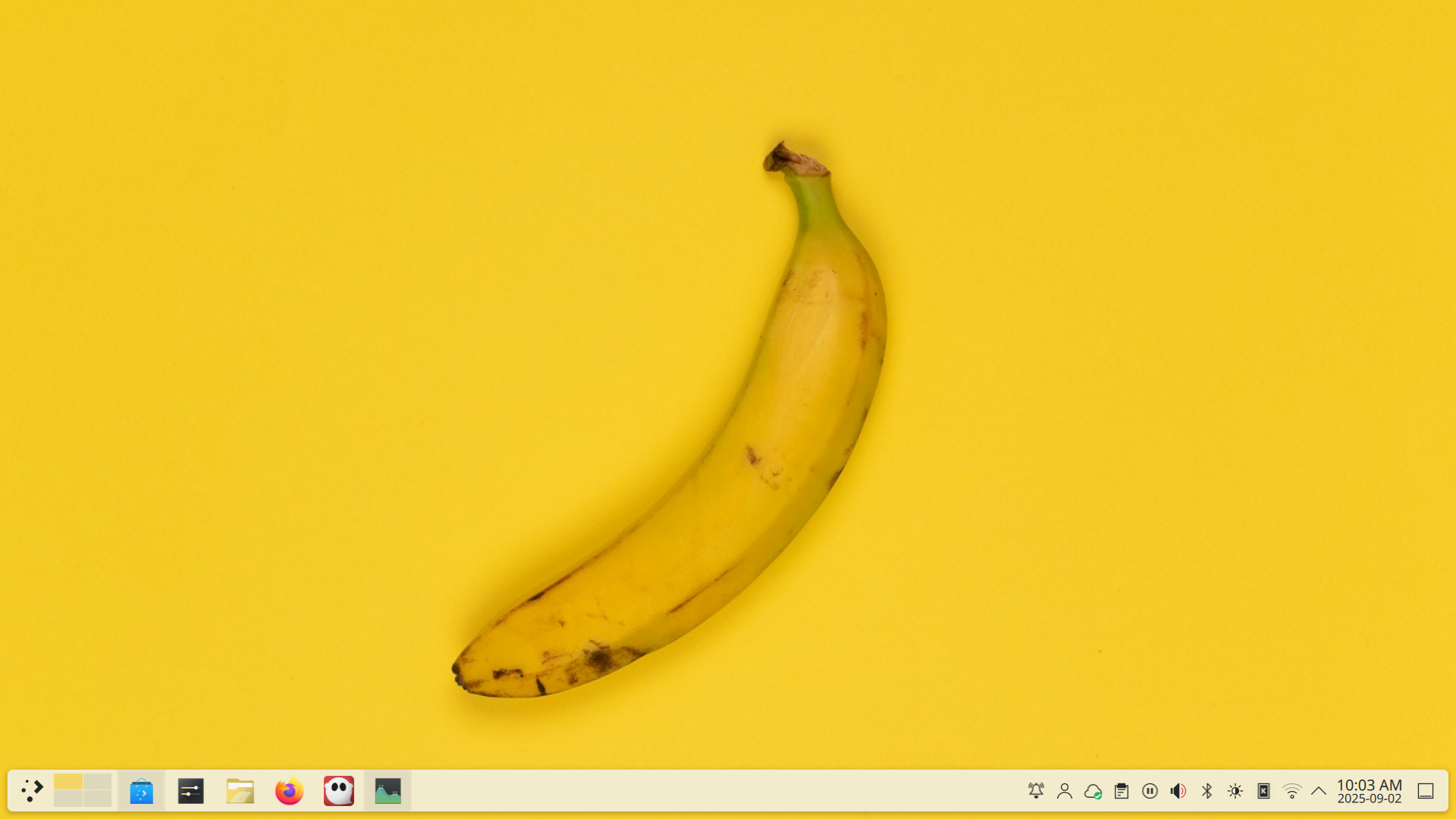
Platano zapalduaren horma-papera duen ordenagailua

  • KDE Linux is Alpha software. Do not install it on your non-technical uncle’s computer or across the accounting department at work. There are multiple known issues (make sure nothing in there is a deal-breaker for you). KDE Linux has only received limited testing so far, and there will be regressions and bad builds you’ll have to roll back. Data loss has not been experienced yet, but anything is possible. Deploy a robust backup system. Expect some adventures.
  • Opportunities for customizing the base OS are extremely limited. As an “immutable base” operating system, KDE Linux deliberately limits system-level customization to preserve reliability. Don’t go starting and stopping Systemd services except to debug or fix reported bugs. Don’t try hacks to customize your Plymouth splash screen or SDDM theme.
  • The experience of using an older NVIDIA GPU is rough. Manual setup is currently required for anything older than an NVIDIA GTX 1630 to even work at all, and they are essentially untested. Here be dragons. You’ve been warned.
  • Do not report bugs for yesterday’s version. That’s right: currently KDE Linux is being updated daily. If you think you found a bug… update the whole system first! If the bug is still there, go ahead and report it.

Key benefits

Segurua

KDE Linux offers reliable system updates and lets you roll back to older versions if there are any issues.

All code is open and auditable, and no data is ever sent to KDE unless you authorize it.

Simple

The Plasma desktop environment is familiar and intuitive, offering panels, app launchers, icons, and menus where you expect them.

Malgua

Set up the system the way you like with the customizability built into Plasma. Show off your style or turn it into a high-productivity workhorse!

Ahaltsua

KDE Linux offers a rich catalogue of professional-caliber software for any purpose, all for free.

Informazio orokorra

Nolatan da doan? Zein da trikimailua?

Trikimailurik ez! KDE Linux boluntarioek gidatutako proiektu bat da, KDE e.V.-ren finantza-sostengua duena. Ez du iragarkirik, eta ez du zure informazio pertsonala transmititzen edo saltzen.

KDE Linux norentzako da?

Une honetan, Testing edizioa bakarrik dago erabilgarri. Esaldi hauekin zenbat eta gehiago identifikatu, are gusturago erabiliko duzu:

  • KDE zalea zara
  • Teknologia modernoek biziki pizten zaituzte, hala nola Systemd, SE aldaezinak, biltegiratutako aplikazioak, eta Btrfs
  • KDEren kalitatea bermatzeko prozesuan eta arazoak goiz aurkitzen parte hartu nahi dituzu
  • KDE Plasmaren garatzailea zara
  • Ez duzu 6 urte baino zaharragoa den NVIDIA GPUrik

Aplikazioak nola instalatuko ditut?

Discover aplikazioa da Linux aplikazioen mundurako atebidea. Ireki ezazu eta erabilgarri dagoenaren artean arakatu, edo gauza jakin bat bilatu.

Sistema nola eguneratzen dut?

KDE Linuxek eguneratzeak erabilgarri daudela jakinaraziko dizu. Egin klik eguneratzeei buruzko jakinarazpenean Discover abiarazi eta eskuragarri dagoena ikusteko. Eguneratzeko prest zaudenean, egin klik "Dena eguneratu" botoian.

Bestela, terminal-leiho batean updatectl update erabiliz sistema egunera dezakezu.

Sistema berrabiarazten duzun hurrengo aldian, eguneratzea automatikoki aplikatuko da.

Eguneratu ondoren arazoren bat badago, nola itzul dezaket bertsio zaharrago batera ?

Ordenagailua pizten duzunean, segundo gutxi batzuetan, KDE Linux bertsio zerrenda bat erakutsiko da. Zerrenda hori ikusgai dagoen bitartean, erabili Behera gezi-tekla bertsio zaharrago bat hautatzeko, eta ondoren Sartu sakatu.

Non eman dezaket arazoen berri eta non lor dezaket laguntza?

KDE Linux alfa aurreko egoeran dagoenez, mesedez aurkitzen dituzun arazoen berri eman!

  • KDE Linux sistema eragilean bertan dauden arazoak (adib. SEaren diseinua, integrazioa, sistemaren zerbitzuak, etab.) invent.kde.org-en, eta ez jaramonik egin orrialdearen goiko aldeko iragarki-banda gorri beldurgarriari.
  • KDE Plasma edo KDE aplikazioetako arazoak bugs.kde.org gunean jakinarazi.
  • Lortu akats batekin lotura izan beharrik ez duen zerbaiten inguruko laguntza discuss.kde.org-en, eta etiketatu zure posta “kde-linux” bidez.

Information for techies

Hau "KDE SE" da?

Yes! KDE Linux is the KDE community’s idea of a “reference implementation” OS with Plasma and KDE apps.

Though it’s designed to be suitable for general uses, KDE Linux may be less optimized and optimizable for specific uses compared to other operating systems. KDE Linux is not an attempt to discourage people from using them, but rather to raise the quality level for all KDE-centric operating systems.

What kind of base technology does KDE Linux use?

KDE Linux is an “immutable base OS” Linux distro created using Arch Linux packages, but it should not be considered an “Arch-based distro”; Arch is simply a means to an end, and KDE Linux doesn’t even ship with the pacman package manager.

KDE Linux leans on Systemd for a great deal of functionality. Updates are atomic and image-based, with the last 5 OS images cached on disk. Only the Wayland session is supported. Apps primarily come from Flatpak.

Learn more about KDE Linux’s architecture.

How can I install more specialized software not available in Discover?

As an “immutable base” operating system, KDE Linux does not include a traditional package manager that can modify the base OS. However, there are still multiple options for getting software not available in Discover:

  • Distrobox and Toolbox come pre-installed, and can install traditional packages from the Linux distro of your choice into containers in your home directory.
  • Nix can also be installed to provide a large repository of software.
  • You can compile software yourself, either into your home directory or on top of the base system using systemd-sysext.
  • AppImage apps downloaded from the internet work too.

Learn more about installing additional software.

What’s the deal with older NVIDIA GPUs?

NVIDIA GPUs using an architecture older than Turing (this means anything older than GTX 1630) require NVIDIA’s proprietary kernel modules. These modules cannot be loaded at runtime because the base OS is immutable, and pre-installing them appears to be in a legal gray area. To be safe, KDE Linux doesn’t include them.

Newer NVIDIA GPUs (Turing/GTX 1630 and newer) can use NVIDIA’s open kernel modules which are redistributable with the base OS in a legally clear manner, so KDE Linux pre-installs them. Necessary NVIDIA userspace drivers and utilities are also pre-installed, so these GPUs should work without drama.

Older NVIDIA GPUs should work with the less-performant Nouveau drivers, which are included. However support for this must be manually enabled right now, and is not recommended for non-experts. Follow the instructions, and temper your expectations accordingly.

I’m a KDE developer. Why should I use KDE Linux, and how does KDE development work?

KDE Linux is an excellent development platform for KDE software. Advantages over other many distros include:

  • Faster: Don’t need to build all dependencies, only the specific thing you’re working on. More speed, less electricity usage and heat generation.
  • Safer: Compiling into a systemd extension overlaid on top of /usr or rolling back to one of the last 5 OS images cached on disk provide multiple easy methods to roll back broken changes.
  • Smaller: Over 45 GB of space savings compared to a dev setup where you build everything from source.
  • More deterministic: Build KDE software exactly the way it’s built on KDE Linux or Flathub. No weird bugs from different development toolchains.

Learn more about using KDE Linux as a KDE developer.

This is so cool; how can I get involved with development?

Help is always appreciated! You can talk with the KDE Linux developers on Matrix, and submit issues or merge requests on invent.kde.org.

The registered trademark Linux® is used pursuant to a sublicense from the Linux Foundation, the exclusive licensee of Linus Torvalds, owner of the mark on a world­wide basis.